When developing in CodeIgniter, debugging your database queries is crucial. Sometimes you need to see the actual SQL query that your code is generating to make sure it’s correct. Luckily, CodeIgniter makes it easy to print queries.
In this post, we’ll cover how to print a query in CodeIgniter step by step.
1. Using $this->db->last_query()
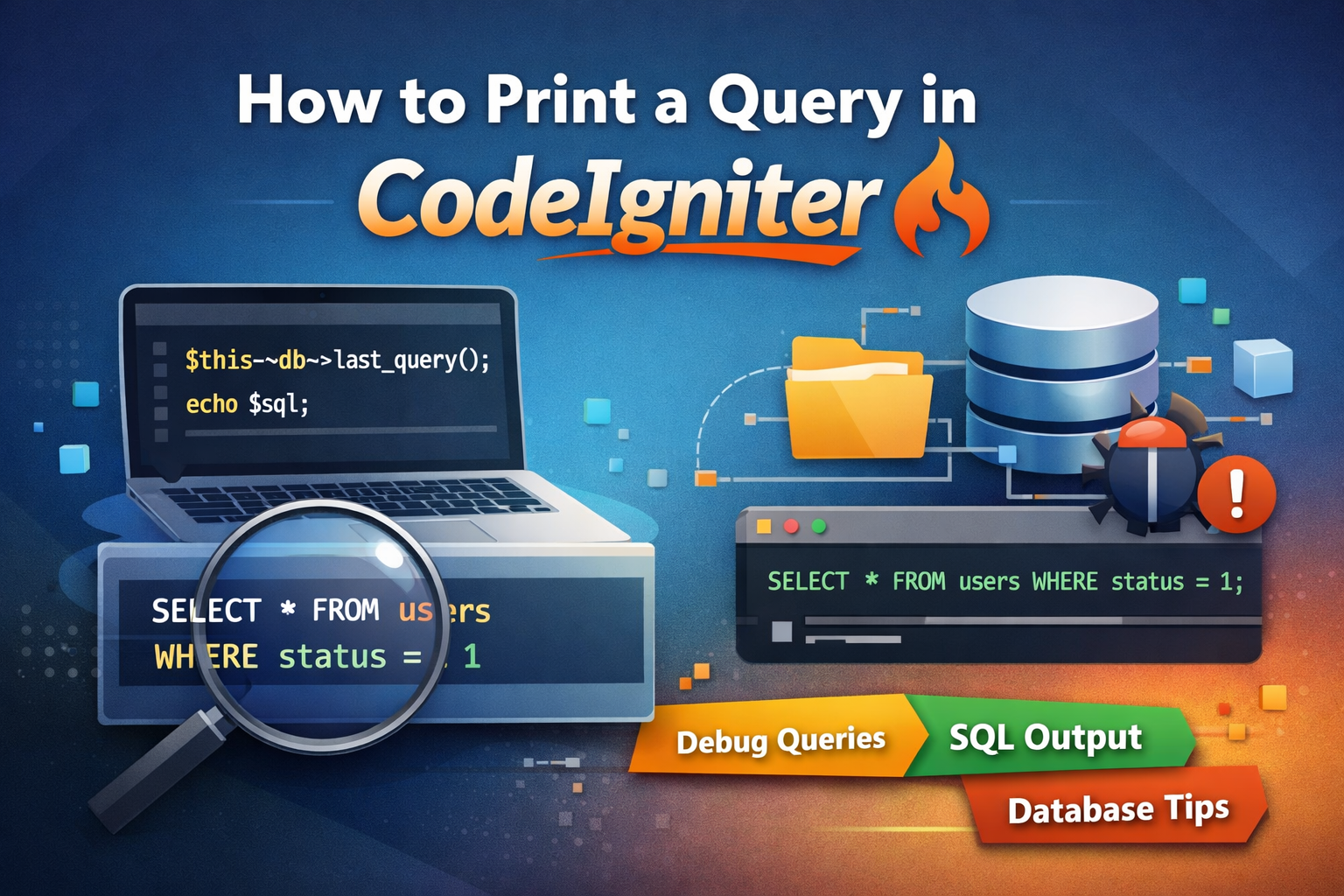
CodeIgniter provides a built-in method called last_query() that returns the last executed query as a string. This is useful for debugging.
Example:
$this->db->select('*');
$this->db->from('users');
$this->db->where('status', 1);
$query = $this->db->get();

// Print the last executed query
echo $this->db->last_query();
Output:
SELECT * FROM `users` WHERE `status` = 1
✅ Tip: Always use this method after executing the query, otherwise it will return an empty string.
2. Using Query Builder and Printing
If you are using the Query Builder, you can print the query before executing it using $this->db->get_compiled_select().
Example:
$this->db->select('*');
$this->db->from('users');
$this->db->where('status', 1);

// Get the query string without executing it
$sql = $this->db->get_compiled_select();
echo $sql;
Output:
SELECT * FROM `users` WHERE `status` = 1
This is especially helpful if you want to debug a query before it’s executed.
3. Printing Insert and Update Queries
You can also print insert and update queries.
Insert Example:
$data = array(
    'username' => 'JohnDoe',
    'email' => 'john@example.com'
);

$sql = $this->db->set($data)->get_compiled_insert('users');
echo $sql;
Update Example:
$data = array(
    'email' => 'newemail@example.com'
);

$this->db->where('username', 'JohnDoe');
$sql = $this->db->set($data)->get_compiled_update('users');
echo $sql;
4. Enabling Query Logging
For a more global approach, you can enable query logging in CodeIgniter. This allows you to see all executed queries.
$this->db->save_queries = TRUE;
Later, you can print all executed queries:
print_r($this->db->queries);
Conclusion
Printing queries in CodeIgniter is simple and extremely useful for debugging. Use:
$this->db->last_query()for the last executed query$this->db->get_compiled_select()to get a query before execution$this->db->queriesto see all queries
With these techniques, you’ll be able to quickly debug and optimize your database interactions.
Happy coding!








1 Likes 0 Comments 12 Views
Leave a comment
Leave a Reply